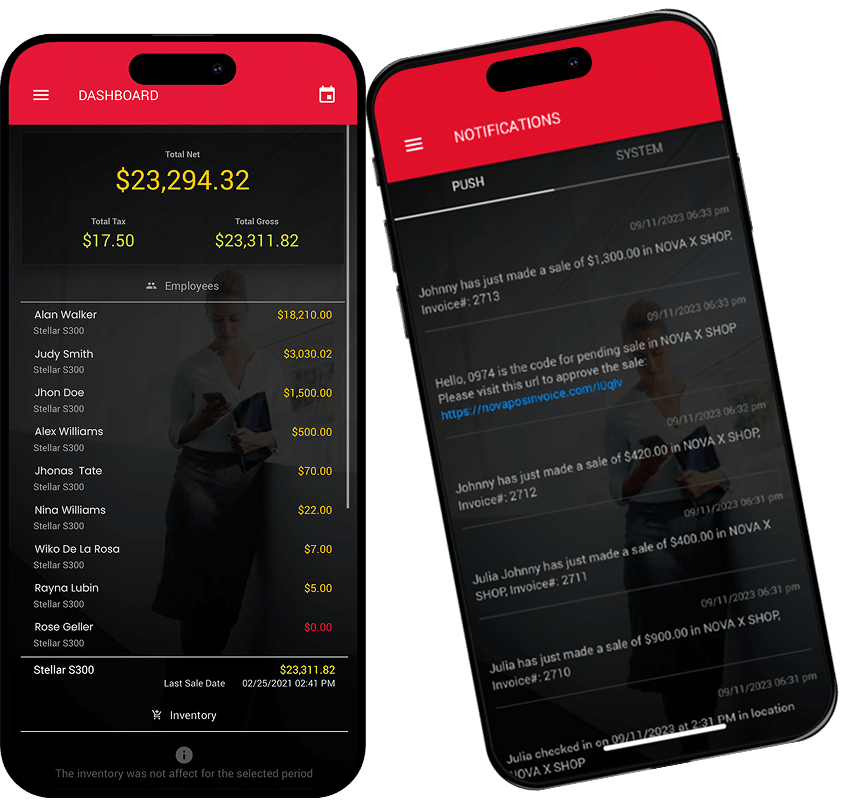
Step 1: Add Products and Inventory
Step 1: Add Products and Inventory
Set Yourself Up For Success
- Add products individually: Products > Settings > Add New Product (top left icon).
- Upload product images and assign a category (top right).
- Pro Tip #1: Creating categories for your products will organize the storefront screen
- Input pricing.
- Pro Tip #2: Add cost for each item. NOVA will track your expenses for you.
- Add inventory
- Pro Tip #3:
- Steps to add your inventory.
- Contact NOVA via Live Chat to import multiple products with .xls, .csv, .pdf, etc.

Step 2: Align Your Team
Step 2: Align Your Team
Visibility Enables Profitability
Having complete visibility to your team, setting their specific permissions, and establishing a competitive commission structure is critical to streamlining operations and maximizing your profitability.
- Create Your Team Profiles: Go to User > Settings > Add New User to get your staff into the system
- Define Compensation: Navigate to Edit User > User Salary > Salary & Commission to customize structures that motivate your team.
- Control Access Levels: Click User Access Level > Enable Role to choose exactly what each team member can see and do, customizing permissions to fit your specific workflow.
Step 3: Customize Your Store
Step 3: Customize Your Store
Your store, your rules: tailor your preferences.
Taxes, receipts, incentives, workflows, and reporting are aligned to your business model – with flexible configurations that adapt to how you operate.
Set the Foundation
On your home screen navigate to Locations > Settings > Edit. You will see the following header tabs; click the red links below for a quick video tutorial on each section:
- General: Tax Rate and Receipts. Include name, address and return policy on receipt.
- Preferences: Users, Sales, Security, Inventory.
- Competitions: Individual & Team Motivators.
- CRM Mandatory Fields: Tailored to your operations.
- Alerts: Keep team members aligned and informed
Step 4. Go Live With Confidence
Step 4. Go Live With Confidence
Your store is nearly ready for launch.
Before processing your first transaction, take a moment to review the checklist below to ensure everything is aligned.
Final Checklist
- All products added with correct pricing.
- Inventory quantities reviewed and confirmed.
- Employee roles, permissions, and compensation settings finalized.
- Store location preferences: taxes, receipts, users, products, security, inventory, etc.
- Receipt Printer Test.
- Credit Card Terminal: Is it synced?