Recommended
User password
Used for everyday sign-in, and recommended for account security.
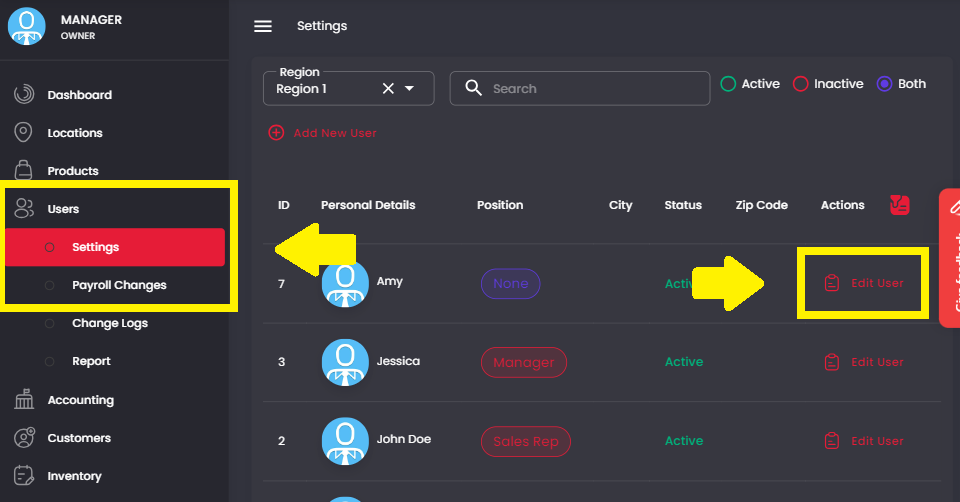
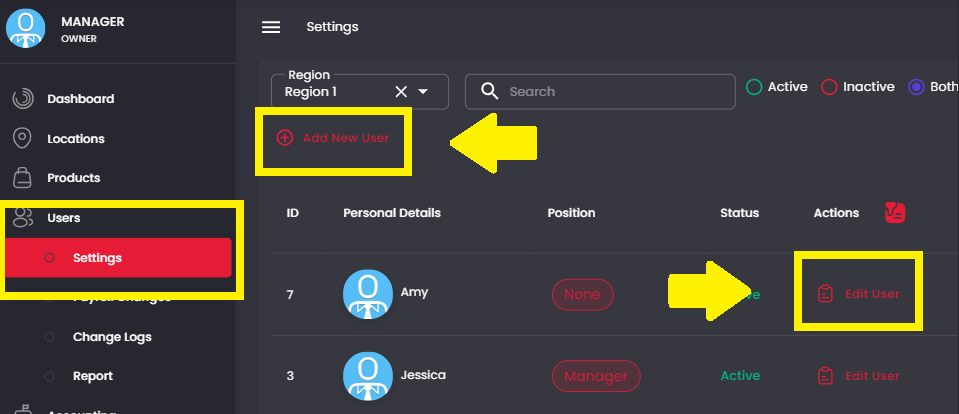
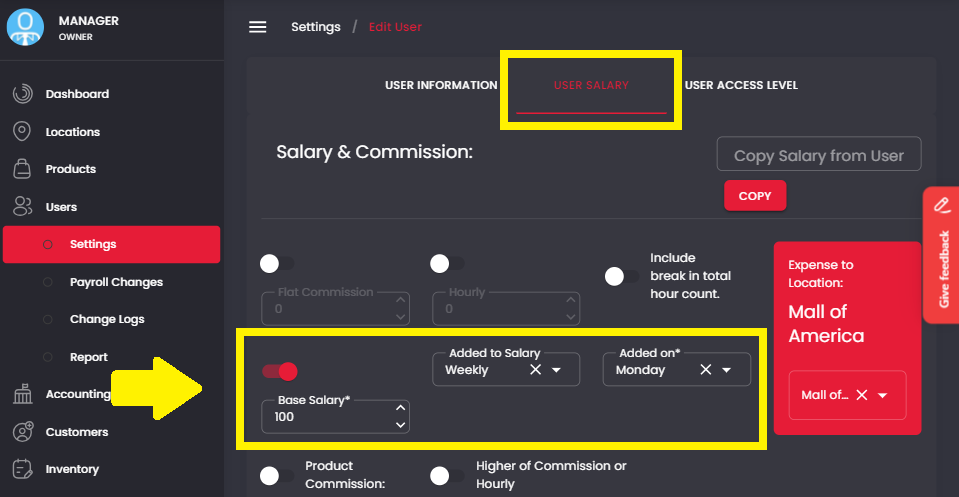
- Login to Backoffice.
- Click Users in the left-hand menu.
- Click Settings.
- Select Edit User on the right.
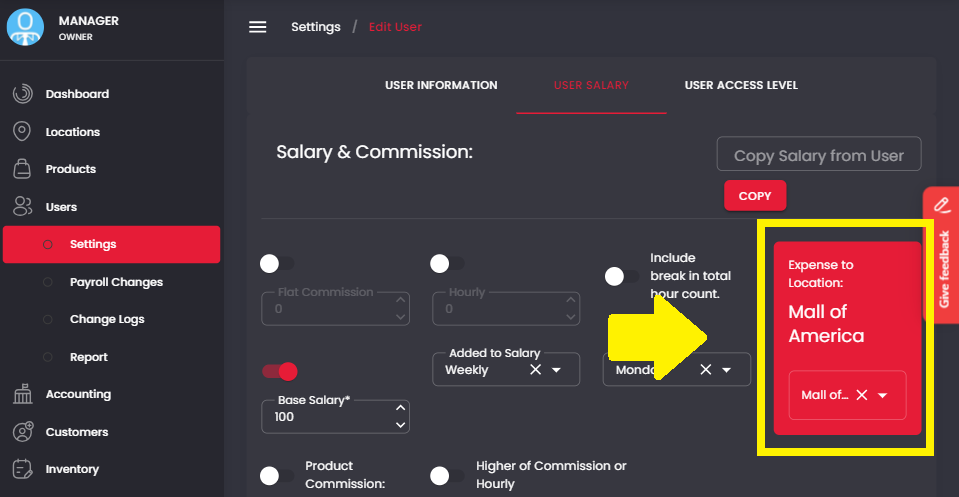
- Choose a Password within the red box.
- Click Submit at the bottom of the screen.
Optional
Location password
A location password is optional.
How to create a location password
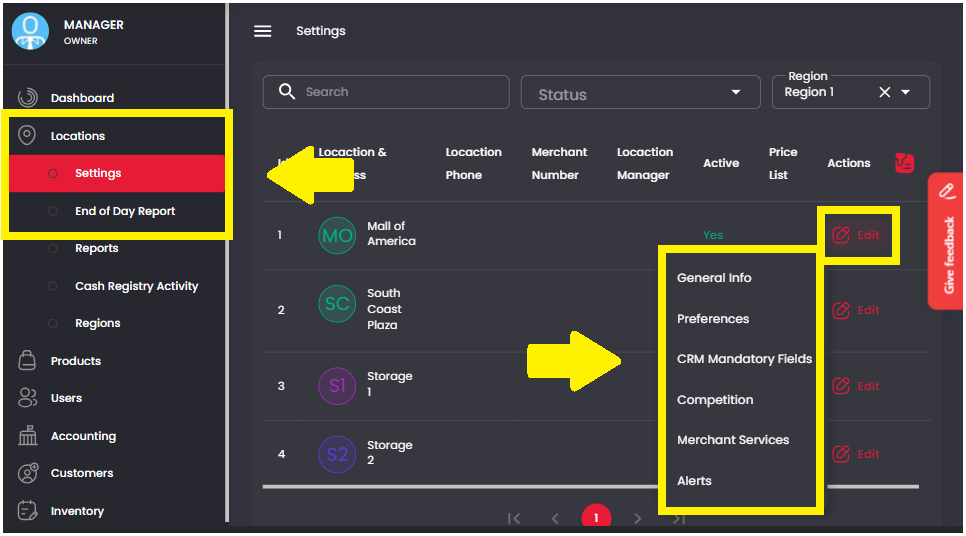
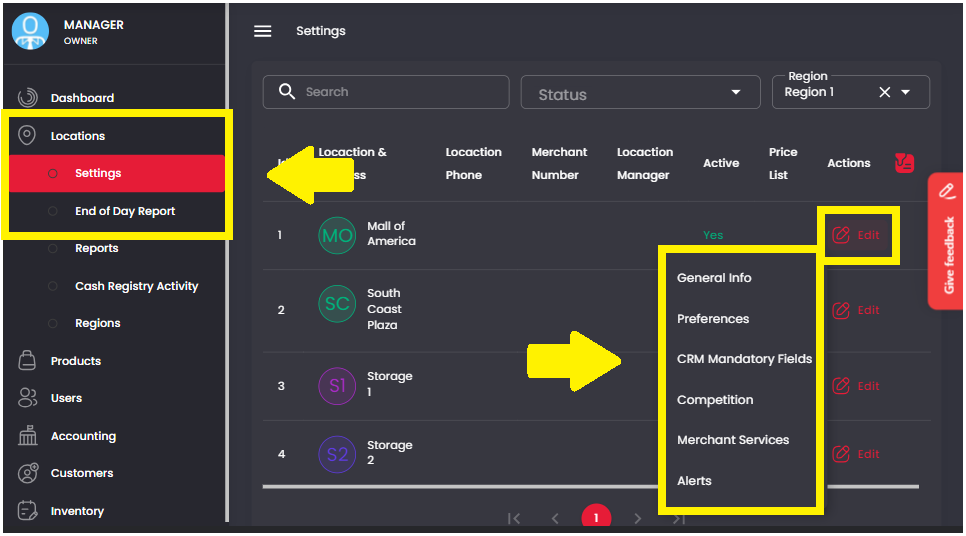
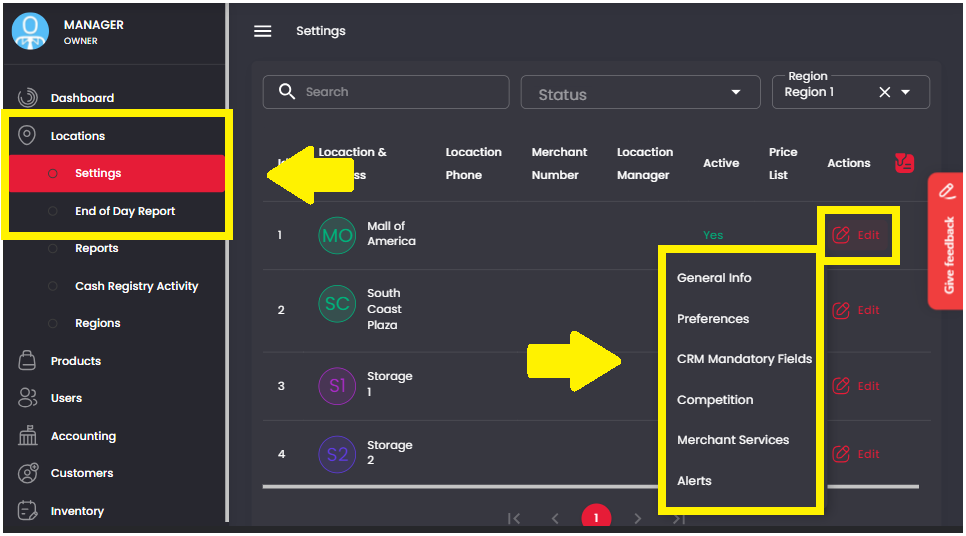
- Login to Backoffice.
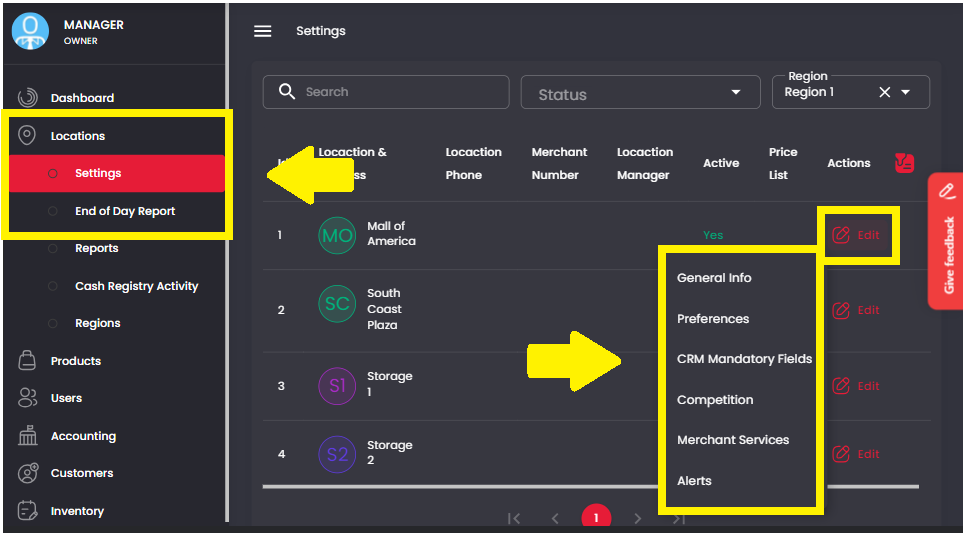
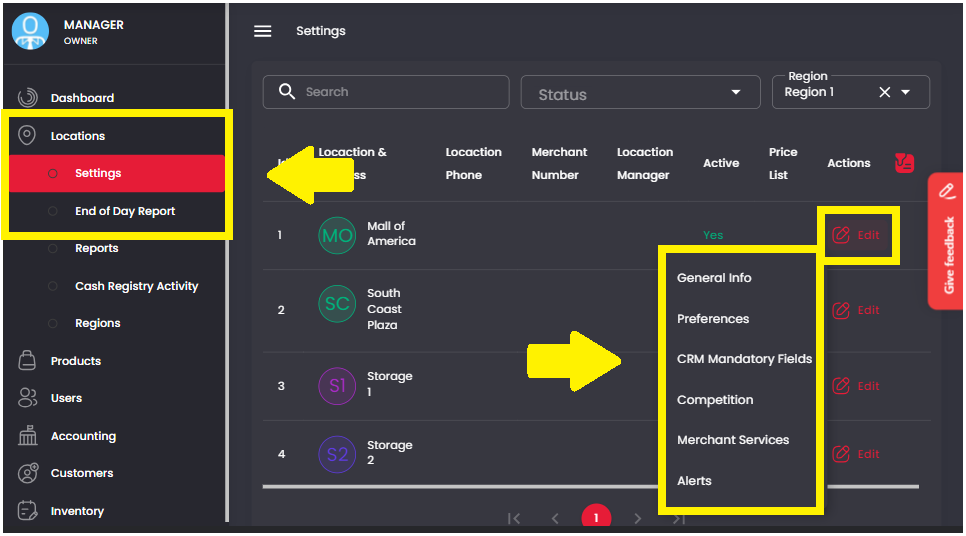
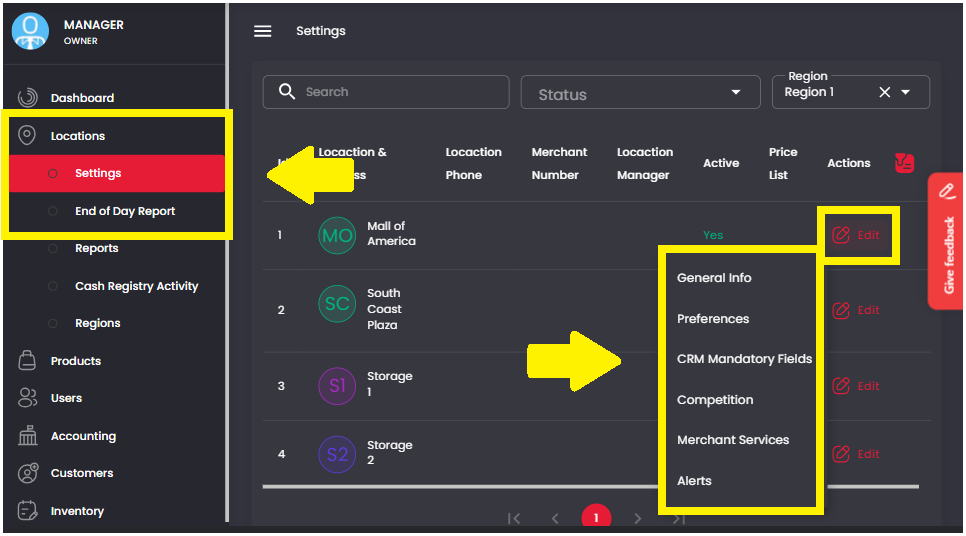
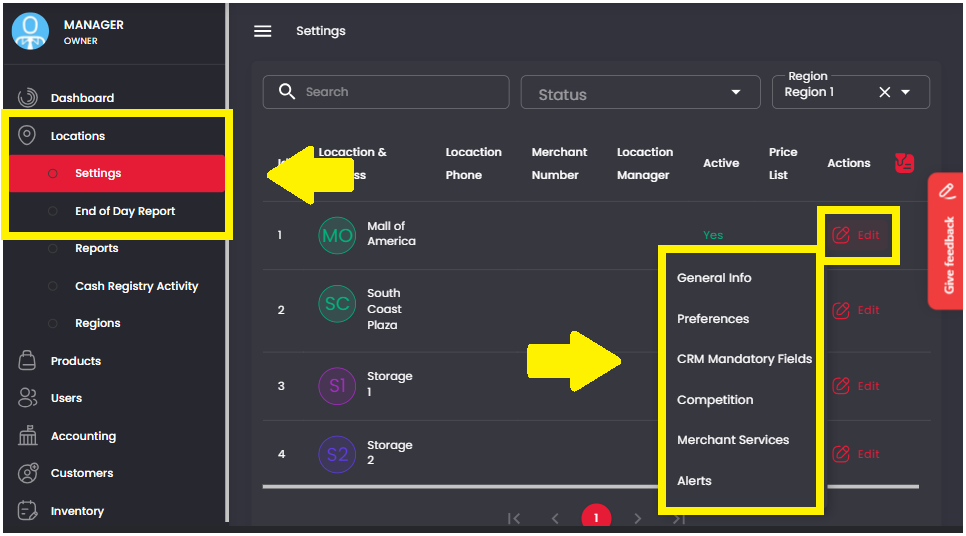
- Click Locations in the left-hand menu.
- Click Settings.
- Select Edit Location on the right.
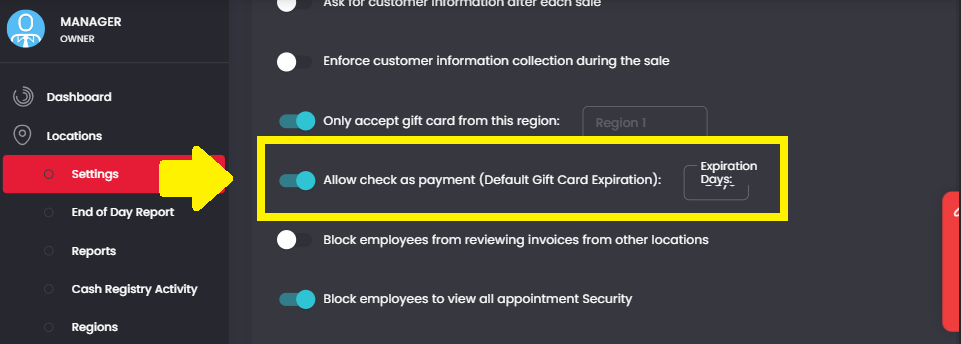
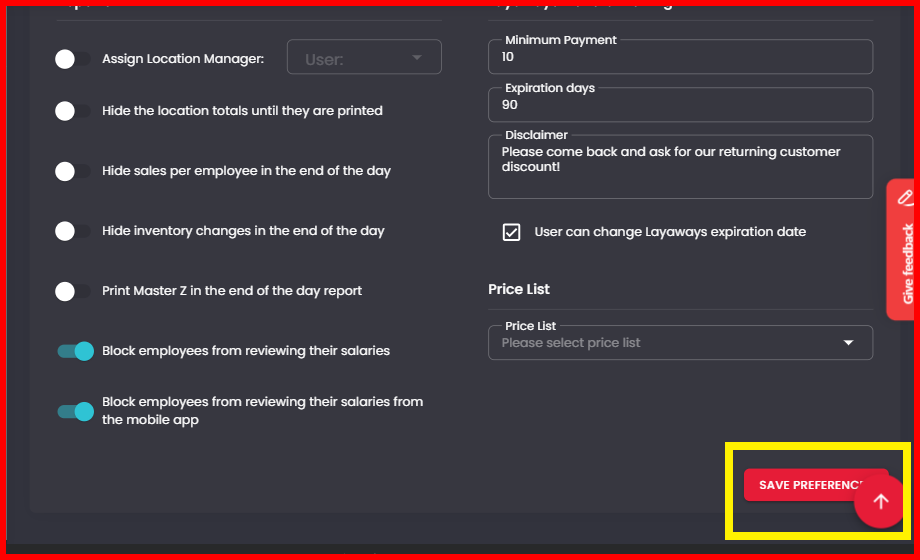
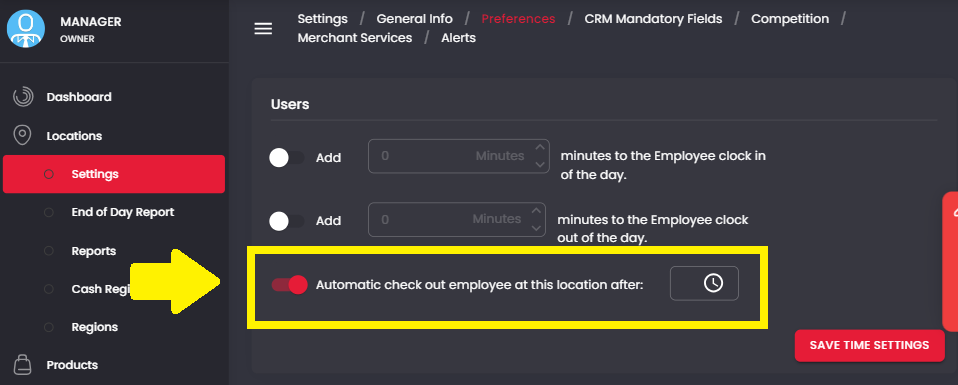
- Choose your Password.
- Click Save at the bottom of the screen.