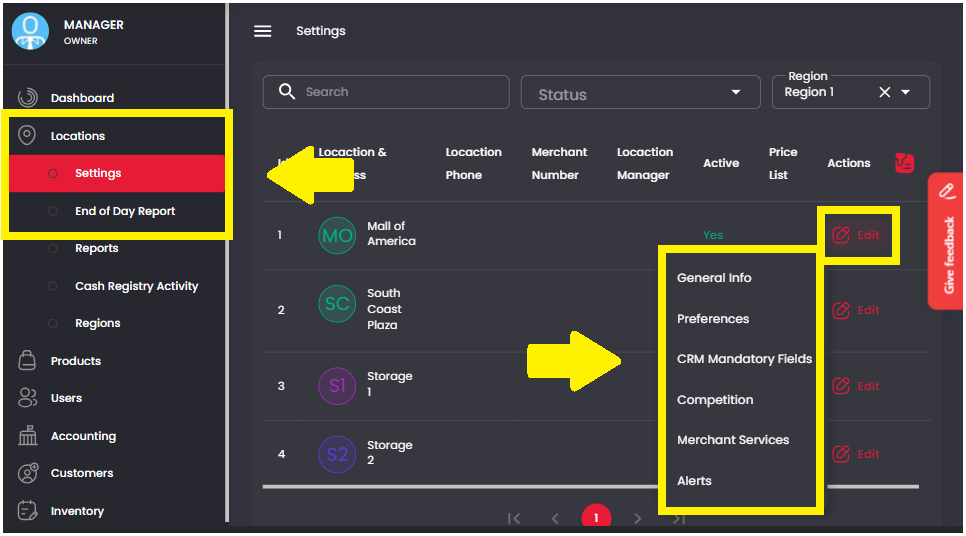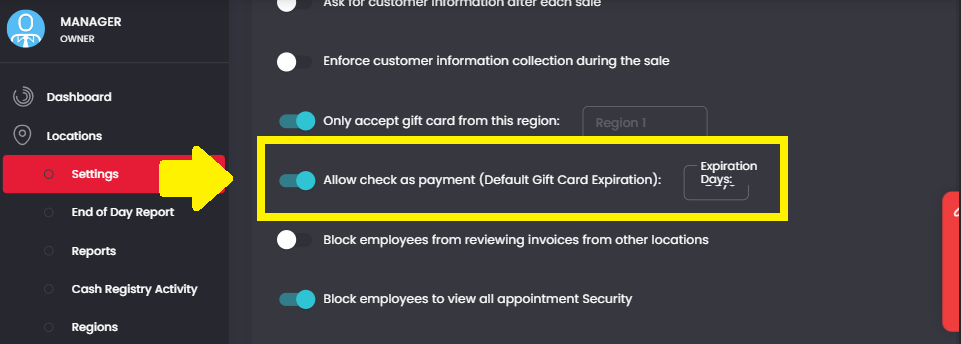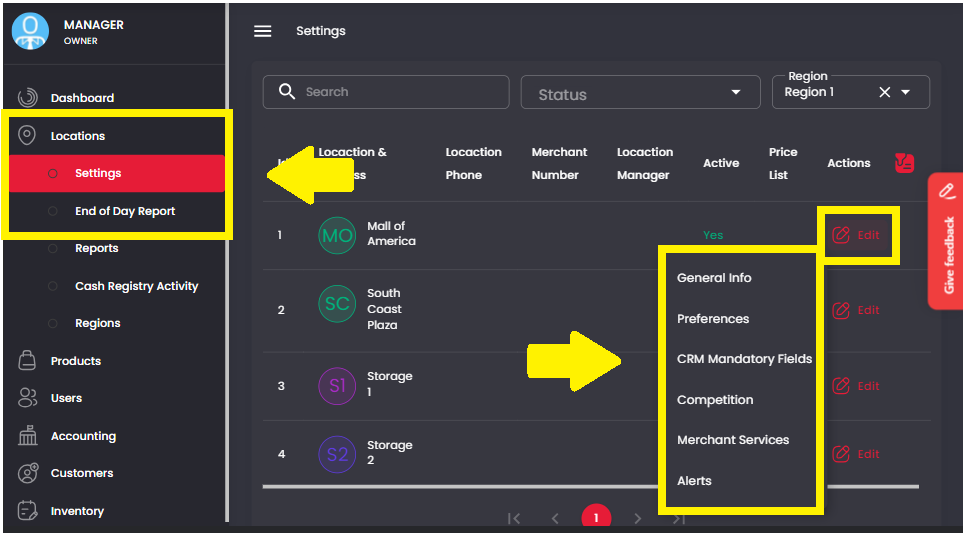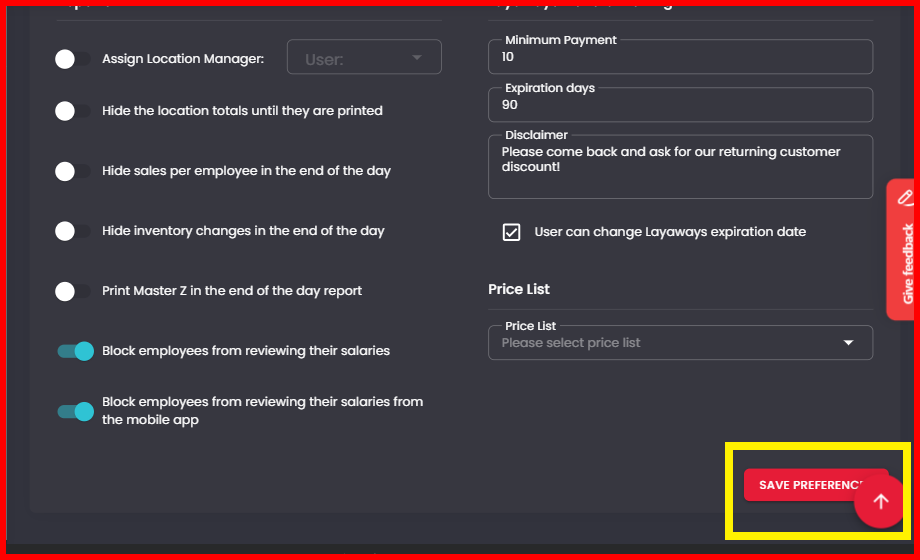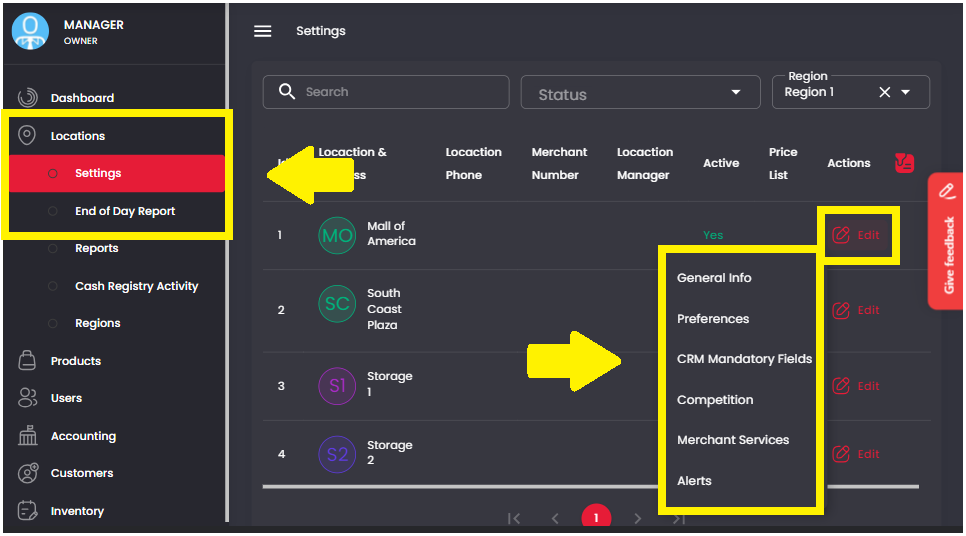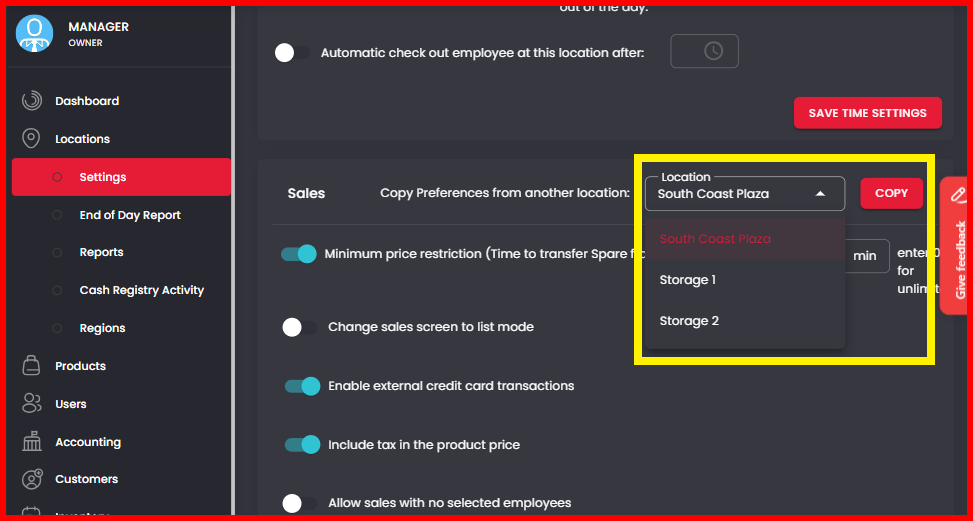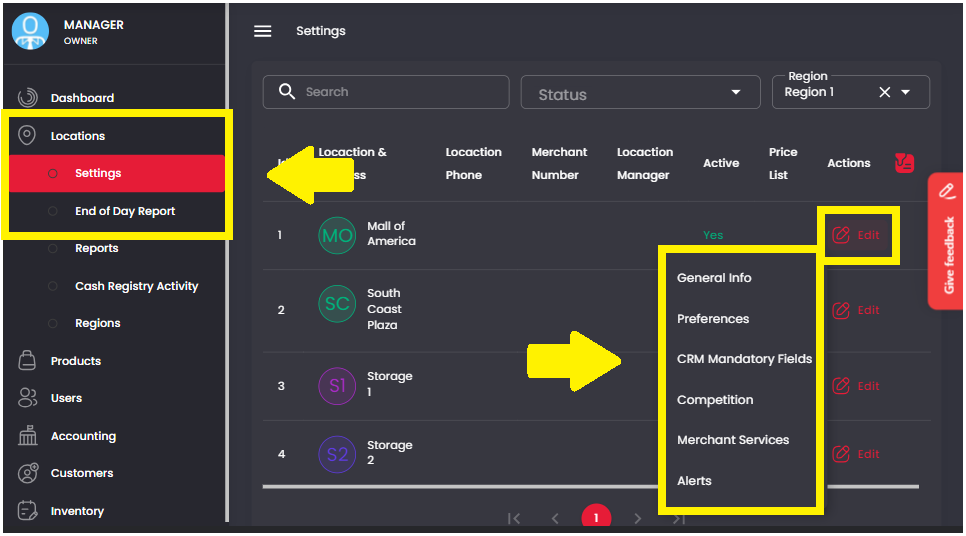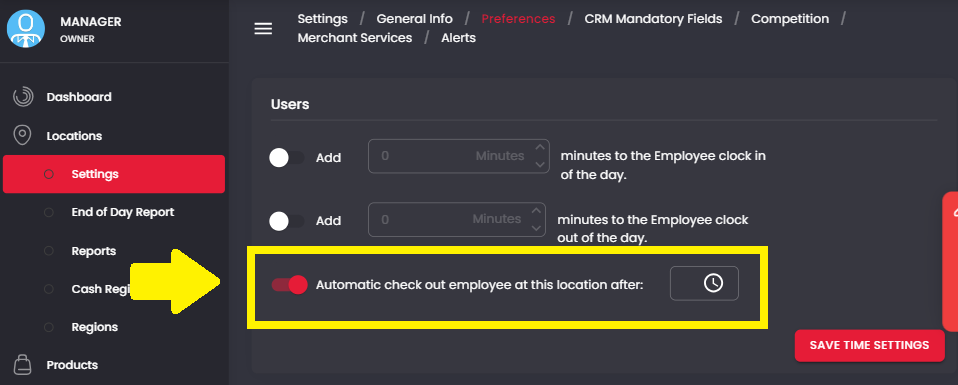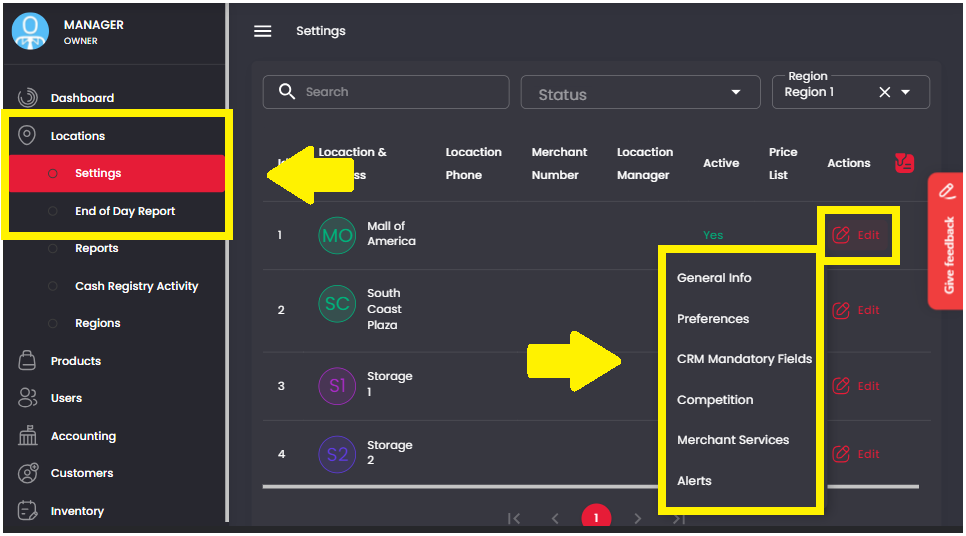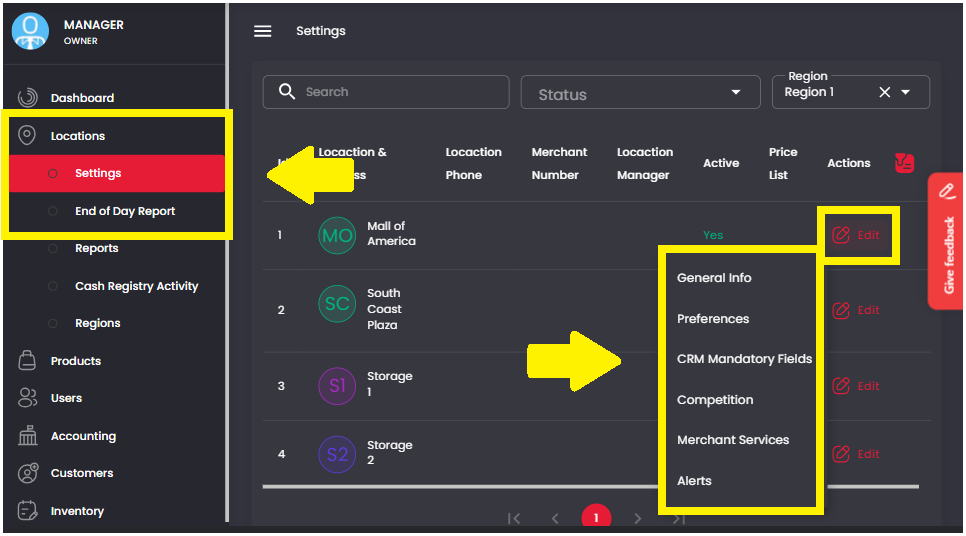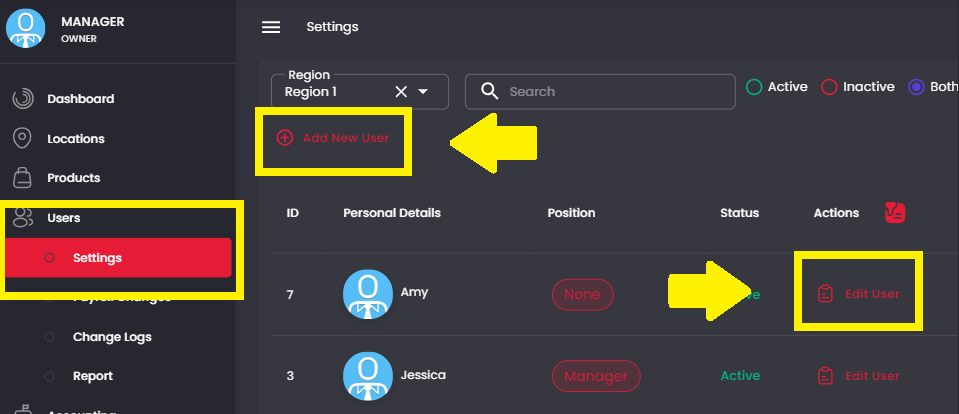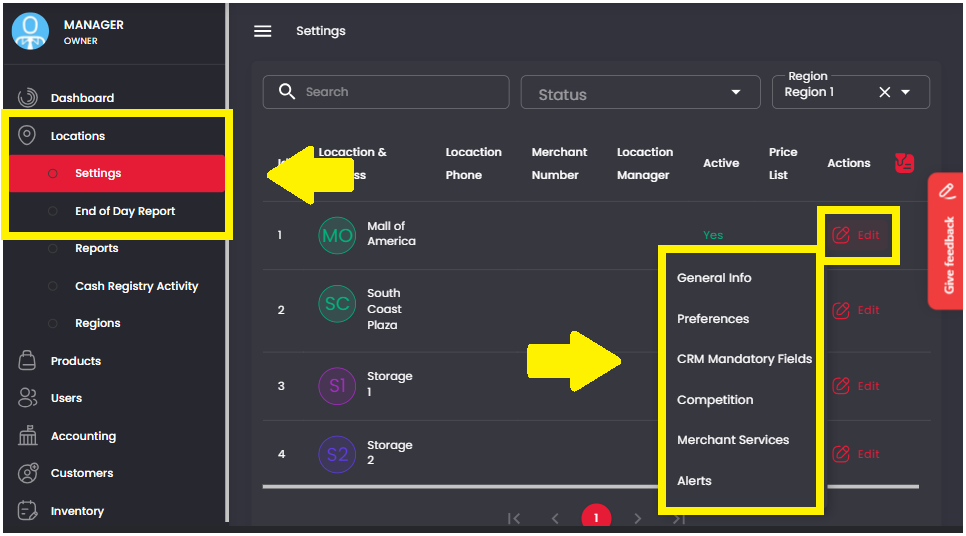
1. On the Management Screen, click on Locations > Settings. Then click Edit > Preferences on the desired location.

2. The Cash Drawer options will be under the “Security Section”
3. Option A: By clicking “Enable cash count” you are allowing anyone with Sales Representative access to perform Cash Counts. This is when the money in the drawer is counted and logged
4. Option B: By clicking “Open cash drawer ONLY after a sale has been made” Everyone including the Full Owner will be blocked from performing a Cash Count and the drawer will only be opened in the event of a Cash Sale.